
The PowerPoint presentation pathway
You do not have to start at Level 1. Come in where your current work sits — each course stands on its own.
Beautify Your PowerPoint with Infographics
Make the slides you already build read more clearly, without learning a new tool.
Create Business Presentations That Convince
Your slides are tidy. Now make the deck carry an argument that lands.
AI-Powered Presentations: Create Beautiful Slides, Faster
Use AI to challenge the argument and the order, then rebuild and deliver it.
Turn dense, text-heavy slides into clear visuals that people actually read.
Most business slides fail for the same reason: too much text and no clear point. Your audience reads the slide instead of listening to you, and the key message gets lost.
In this workshop, participants learn simple design rules and infographic patterns they can apply in PowerPoint straight away. No design background and no extra software needed.
- You build slides for meetings, reports or proposals every week
- Your decks come back with feedback like “too wordy” or “too busy”
- You don’t have a designer, and you are not going to get one
- Turn a paragraph of text into a simple diagram or infographic
- Choose the right chart for the point you want to make
- Use alignment, spacing and colour so every slide looks consistent
- Build a reusable slide template for your team
What we cover
| 30 min | Why slides fail: reviewing real examples together |
|---|---|
| 45 min | Four infographic patterns that cover most business content |
| 45 min | Charts that make a point, and charts that hide it |
| 60 min | Hands-on: redesign your own slides, with trainer feedback |
| 30 min | Build your team template and wrap-up |
Outline shown for the 3 to 4 hour format. Longer formats add more hands-on practice.
Upcoming public runs:
Beautify Your PowerPoint with Infographics
If you're enquiring for 5 pax and above, we're able to offer you a private run. Ask us about it.
Small classes, better learning
We recommend 10 to 15 participants, and cap every run at 20. These are hands-on workshops — above twenty we can no longer get round the room, look at each person’s screen and fix the actual problem, which is the whole point of coming. Public runs are capped at 10.
Our office @ Raffles Place
- Where every public run is held
- Central, and close to Raffles Place MRT
- Capped at 10, so nobody gets lost at the back
A larger venue, or your own office
- External venues include Paya Lebar Square and the Synergy Room at 190 Clemenceau Avenue, subject to availability
- Or we come to you, which most corporate clients prefer
- Please give us 30 days’ notice for an on-site run, so the room and equipment can be sorted
Participants work on their own non-confidential slides, so what they build in the room is usable the next day. Bring a laptop with PowerPoint installed. Everyone receives a workbook and a starter template.

Charmaine Lee
Charmaine Lee is an ACTA-certified trainer registered under TAEPP (AE250000925) with over 16 years of digital marketing experience and more than 4,500 learners trained. She specialises in practical, hands-on training in visual design, Canva, digital content creation, storytelling, presentations and generative AI. She also develops vocational curricula and supports educator training through international education initiatives.
LinkedInBring this course to your team
- Formats1 day
- DeliveryOn-site or online
- Group size12–25 people
- LevelNo design experience needed
Fees are quoted per group, based on format and size.
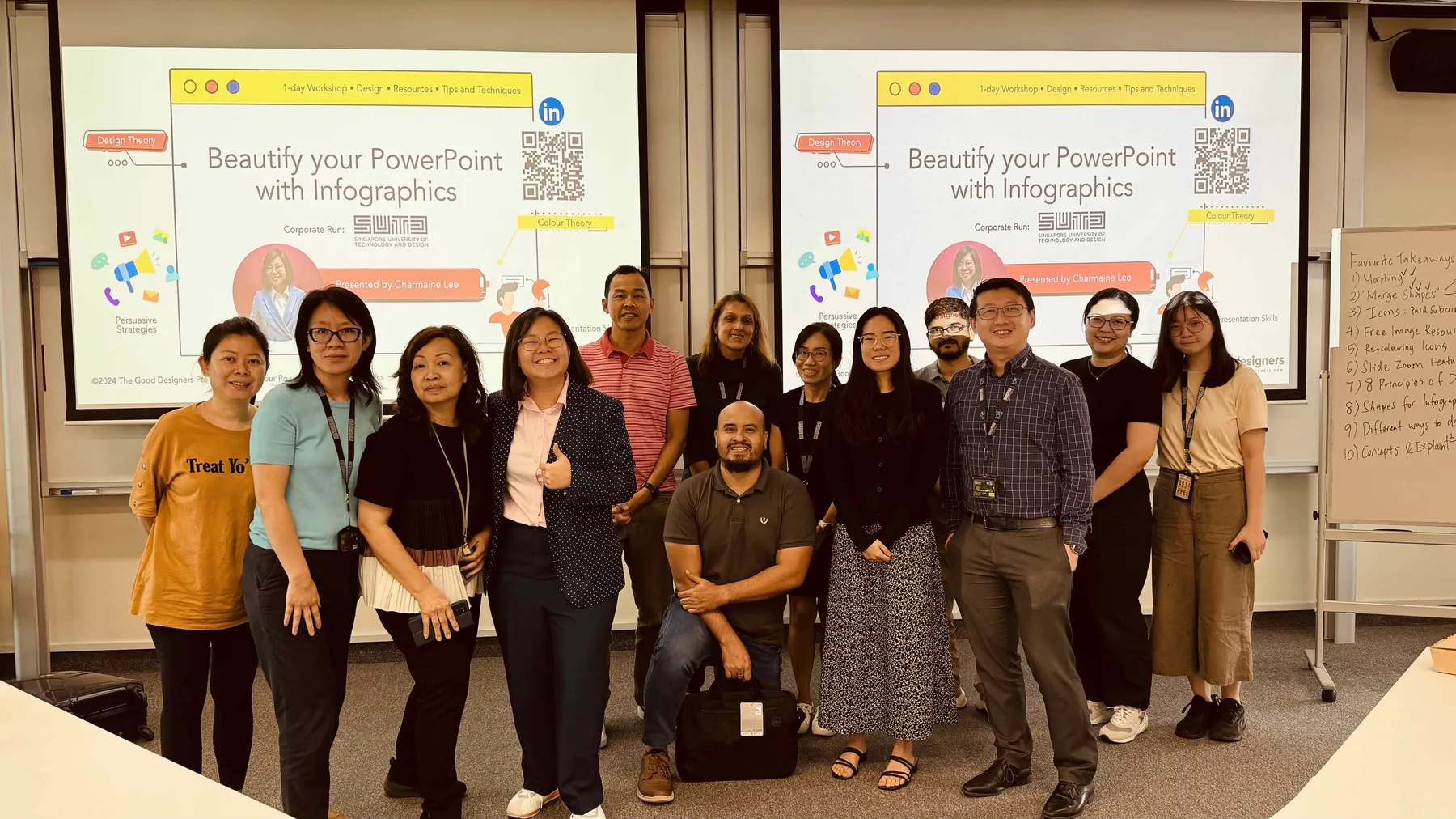
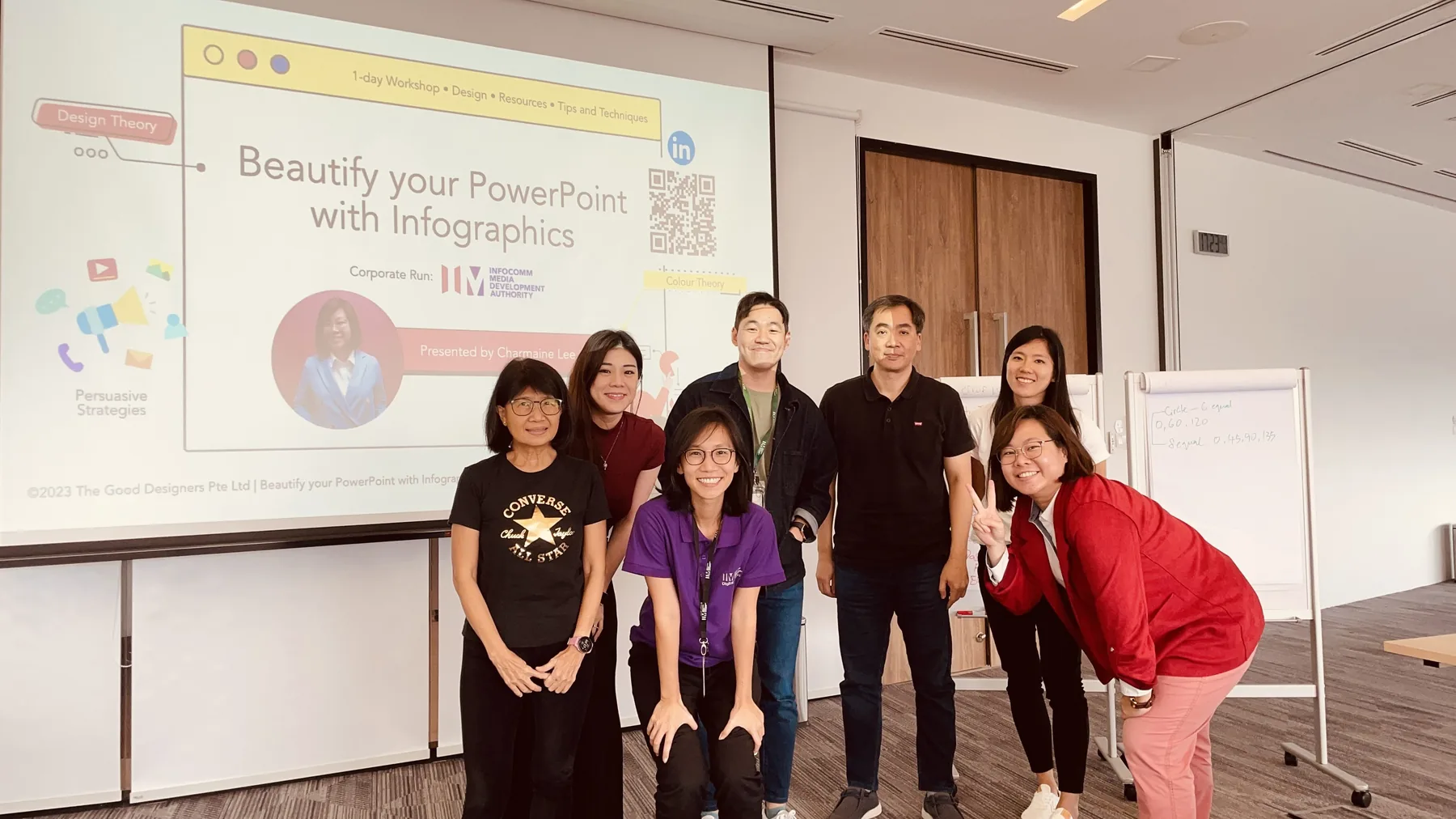
Inside a workshop
A short look at how our sessions run: less lecture, more making.

Every level, in detail
Three levels, from tidying the slides you already have to rebuilding the argument itself. You do not have to start at Level 1 — come in where your current work sits.
-
For: People who already build slides in PowerPoint and want them to read more clearly, without learning a new tool.
- Visual hierarchy on a single slide
- Turning dense text into simple infographics
- Charts and diagrams that can be read quickly
- Consistent formatting across a whole deck
- Working inside your organisation’s own template
You leave with: A set of your own slides, rebuilt.
Not a funded programme. -
For: People who can already build a tidy slide, and now need the deck to carry an argument rather than just display information.
- Finding the key message inside a complex topic
- Three storytelling frameworks, and when each one fits
- Turning processes, comparisons and data into infographics
- Visual hierarchy across a whole deck, not one slide
- Delivering the presentation with confidence
You leave with: A presentation structured around one clear message.
See this course -
For: People who already structure and design well, and want AI to speed up the thinking rather than the formatting.
- Briefing AI with audience, objective and constraints
- Using AI to challenge the argument and the running order
- Drafting and critiquing headlines
- Checking AI output for accuracy, logic and tone
- Rebuilding the deck and delivering it
You leave with: A rebuilt deck, and a method you can use again next week.
See this course
Create Business Presentations That Convince
Build a presentation that changes someone’s mind: one clear message, a structure that carries it, and slides that stay out of the way.
- Find the one message the audience has to leave with
- Structure the argument so each slide earns the next
- Design slides that support the point rather than decorate it
- Handle questions and objections without losing the thread
Business Presentations: Storytelling, Infographics & AI
Go past templates: structure the message with storytelling frameworks, then turn complex information into infographics, data visuals and AI-assisted drafts.
- Structure a presentation with SCQA, AIDA or STAR
- Build reusable layouts for recurring presentations
- Turn processes, comparisons and data into clear infographics
- Use AI to develop and critique presentation content