
Workshops for students 
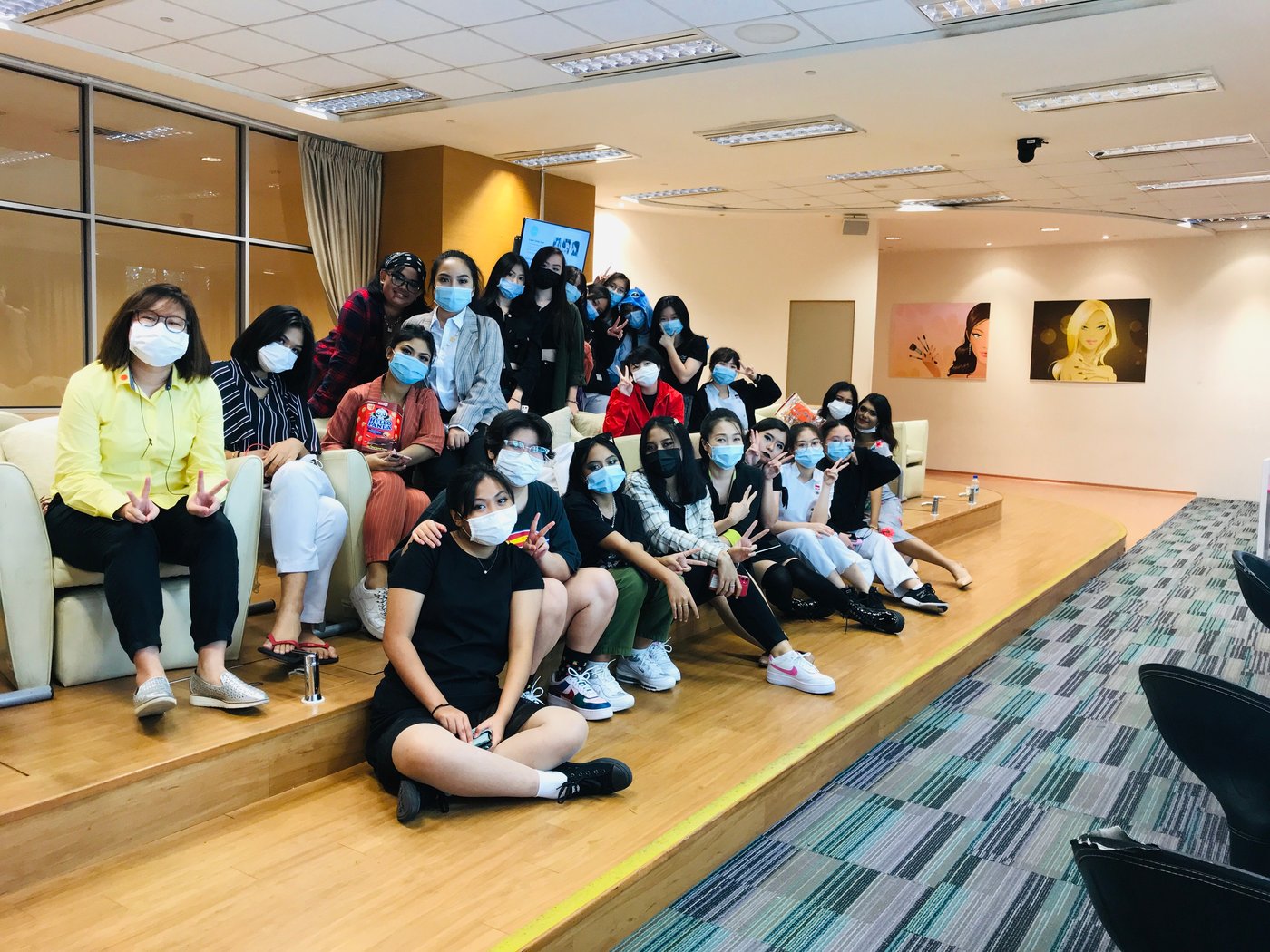
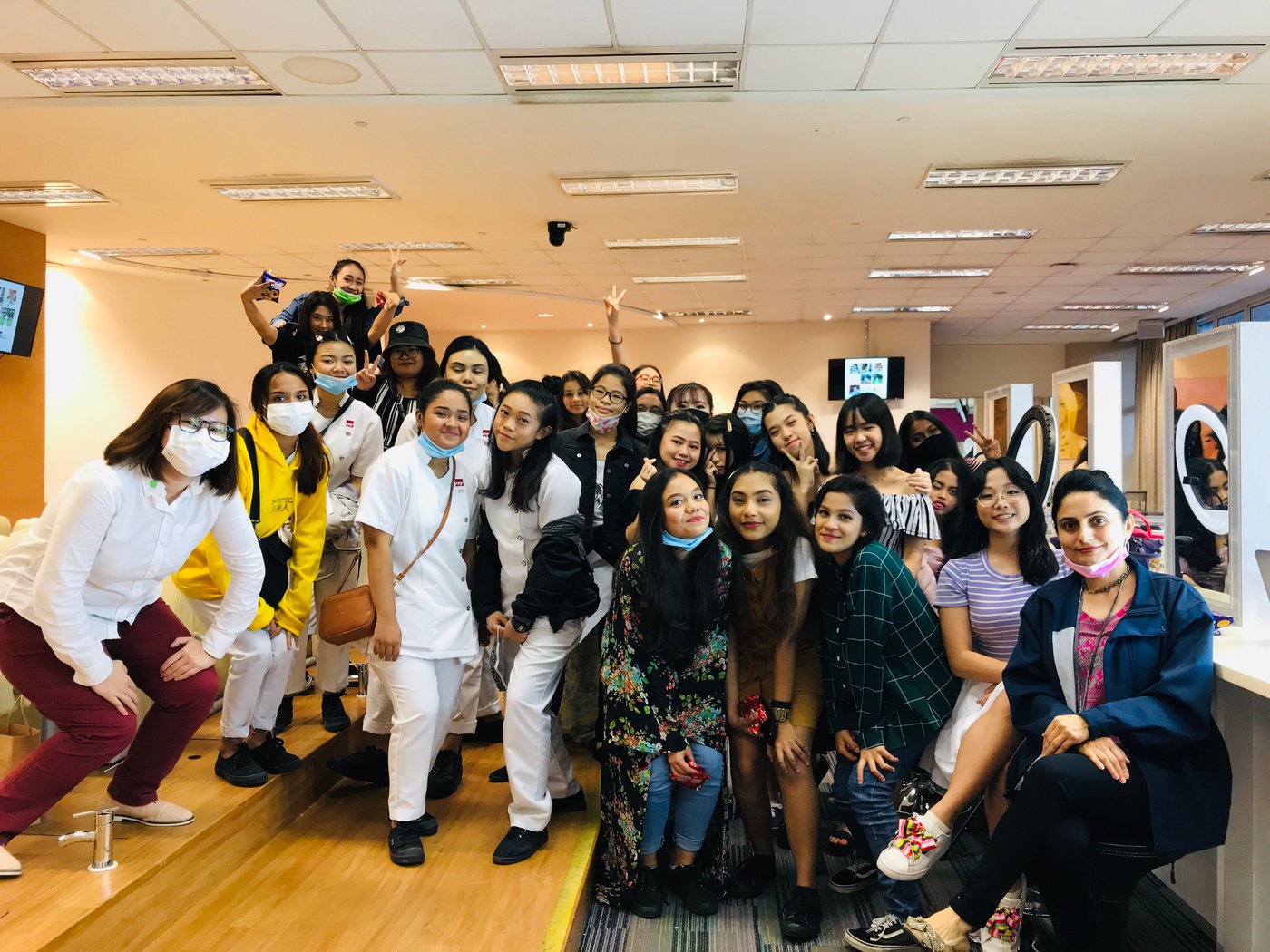
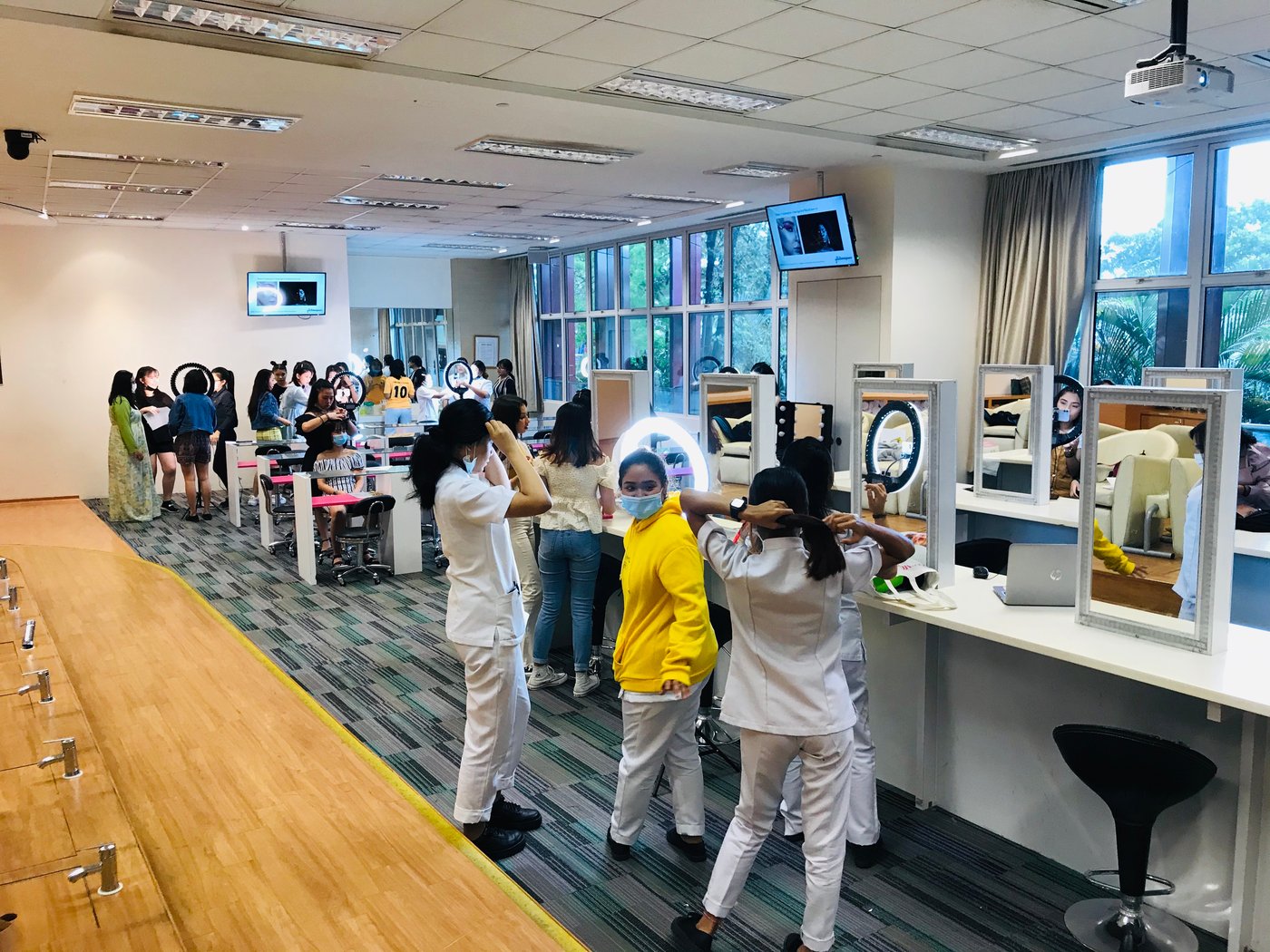
Hands-on creative and digital workshops for schools, youth groups and community organisations. Students don’t sit and listen. They make something, get feedback, and leave with work they are proud of.
Skills that lead somewhere.
We’ve delivered youth workshops in Singapore, Thailand and the Federated States of Micronesia, including a six-session digital literacy programme for students aged 11–14 in Pohnpei.
Our goal is to help young people build practical skills, gain confidence and create real-world projects they can be proud of — while discovering what they can achieve with their own hands.
- Learn the fundamentals: Understand basic design principles through clear, practical examples.
- Watch, then do: Learn through trainer demonstrations and guided hands-on practice.
- Create from day one: Work on real projects from the very first session.
- Finish with something tangible: Every student produces work they can share and be proud of.
- Celebrate progress: Certificates and prizes recognise effort and encourage continued learning.
Best Selling Workshops
The nine programmes we have run most often for schools, youth groups and community organisations. Every one is hands-on and ends with something the student has made. Open any programme to see its modules and final project.
At a glance
What we cover
- Introduction to Visual DesignUnderstand colour, typography, layout, contrast and visual hierarchy.
- Getting Started with CanvaExplore templates, design tools, elements, images and text.
- Creating Better DesignsApply design principles to posters, social media graphics and school projects.
- Design Your Own ProjectCreate an original design and explain the choices behind it.
Final project
A poster or social media graphic for a school event, personal interest or cause.
At a glance
What we cover
- Understanding Your Smartphone CameraExplore camera settings, focus, exposure and composition tools.
- Composition and FramingPractise angles, perspective, leading lines, symmetry and the rule of thirds.
- Lighting and Visual StorytellingUse natural light, backgrounds and different perspectives to communicate a message.
- Photo Editing and CurationImprove images through cropping, brightness, colour and basic editing.
- Photography ChallengePlan and capture a themed series of photographs.
Final project
A curated photo story or mini photography portfolio.
At a glance
What we cover
- Understanding the Creator EconomyExplore content platforms, creator niches, audiences and different content formats.
- Finding Your Niche and VoiceIdentify interests, strengths, target audiences and content themes.
- Content Planning and StorytellingDevelop content ideas, hooks, story structures and a content calendar.
- Creating Visual ContentProduce graphics, photographs and short-form videos using accessible tools.
- Platform and Channel StrategyAdapt content for platforms such as Instagram, TikTok and YouTube.
- Publishing and Improving ContentUnderstand engagement metrics, feedback, consistency and content optimisation.
- Creator Ethics and SustainabilityCover copyright, privacy, disclosure, responsible publishing and online reputation.
- Creator ProjectPlan, produce and present a small collection of original content.
Final project
A personal content channel concept with a content plan and sample posts or videos.
At a glance
What we cover
- Website Basics and PurposeUnderstand website types, audiences, objectives and essential pages.
- Planning Website ContentCreate a sitemap, organise information and write clear website copy.
- Website Design and User ExperienceApply layout, typography, colour, navigation and mobile-friendly design principles.
- Building with a No-Code ToolCreate pages using a suitable website builder without needing to code.
- Adding Visuals and Interactive ElementsIncorporate images, buttons, links and calls to action.
- Testing and PublishingCheck mobile responsiveness, navigation, readability and basic accessibility before launch.
Final project
A published personal portfolio, interest-based website or simple project website.
At a glance
What we cover
- Planning Your PresentationDefine the audience, purpose, key message and desired outcome.
- Structuring Your StoryOrganise ideas into a clear introduction, main points and conclusion.
- Designing Effective SlidesApply visual hierarchy, typography, colour, spacing and image selection.
- Visualising InformationTurn text, facts and comparisons into diagrams, charts and infographics.
- Building and PresentingCreate a short presentation in Canva and deliver it with confidence.
Final project
A short Canva presentation on a school topic, personal interest or real-world issue.
At a glance
What we cover
- Personal Branding and Portfolio GoalsIdentify strengths, interests, target audiences and portfolio objectives.
- Understanding Social PlatformsExplore platform formats, audiences, content styles and portfolio use cases.
- Visual Design for Social MediaApply layout, typography, colour, brand consistency and visual hierarchy.
- Content Strategy and PlanningDevelop content pillars, campaign themes and a publishing calendar.
- Photography and Short-Form VideoCapture and edit original visual content for social platforms.
- Copywriting and StorytellingWrite hooks, captions, calls to action and concise content narratives.
- Portfolio ProductionCreate a cohesive set of sample posts, carousels, videos and campaign assets.
- Portfolio PresentationOrganise work into a digital portfolio and explain the thinking behind each piece.
- Feedback and RefinementReview work against a brief, incorporate feedback and improve the final portfolio.
Final project
A digital portfolio featuring a themed social media campaign and original content assets.
At a glance
What we cover
- Understanding Everyday AIExplore what AI can do, where it appears in daily life and its limitations.
- Asking Better QuestionsPractise giving AI clear instructions, context and useful constraints.
- Using AI for LearningExplore idea generation, concept explanations, revision questions and study planning without replacing independent thinking.
- Checking AI ResponsesIdentify errors, bias and unsupported claims; verify important information.
- Responsible AI UseDiscuss privacy, academic integrity, copyright and when to disclose AI assistance.
Final project
Complete a guided learning task using AI, then check, improve and explain the output.
At a glance
What we cover
- Video Storytelling BasicsExplore story structure, audience, message and short-video formats.
- Developing a Video ConceptCreate a concept, script or storyboard with a clear beginning, middle and end.
- Shooting with a SmartphonePractise framing, camera movement, lighting, audio and shot variety.
- Editing for ImpactArrange clips, trim footage, add titles, use music appropriately and manage pacing.
- Creating for Different PlatformsConsider aspect ratios, captions, accessibility and platform-specific formats.
- Screening and RefinementShare the video, gather feedback and make improvements.
Final project
A short video that tells a story, explains an idea or raises awareness of an issue.
At a glance
What we cover
- Introduction to Design ThinkingUnderstand human-centred problem-solving and the importance of curiosity.
- Empathise and ObserveIdentify users, understand their experiences and gather insights through observation or interviews.
- Define the ProblemTurn observations into a clear problem statement based on user needs.
- Ideate and ExploreGenerate multiple ideas, challenge assumptions and select promising solutions.
- Prototype Your IdeaBuild a simple model, storyboard, mock-up or visual concept.
- Test and ImproveGather feedback, identify gaps and refine the prototype.
- Present Your SolutionExplain the problem, design process, proposed solution and expected impact.
Final project
A prototype for a real student or community challenge, supported by a short presentation.
Note: Most workshop(s) can be adapted for your students’ age, language level and equipment. Jump on a discovery call with us.
Enquire nowWorkshops with students
Creative and digital skills education for workplaces, schools, TVET systems and communities.
Our Programmes
Our Services
Impact