
Virtual or in person
Same material, same class size, same trainer, and S$428 per participant either way. Only our one-day programmes run virtually at all: we hold two virtual runs a year and the rest are classroom sessions.
Virtual
2 runs a year- Runs live online, not a recording
- Only our one-day programmes run this way
- Two scheduled runs a year, so dates are limited
- Same 10-seat cap, so you can still ask questions
In person
Open now- At our office, 3 Phillip Street
- Every other run in the year
- Easier for hands-on help with your own deck
- Also available as a private run at your office
Funding eligibility depends on you and your organisation. Tell us who is attending and we will confirm what applies before you commit.
The Canva presentation pathway
You do not have to start at Level 1. If you already build clean slides, start at Level 2. Each course stands on its own.
Canva at Work: Create Effective Business Presentations
Make your slides clearer and quicker to build. Start here if you have no design background.
Business Presentations: Storytelling, Infographics & AI
You can already build a tidy slide. Now add structure, storytelling, infographics and AI.
AI-Powered Presentations: Create Beautiful Slides, Faster
Use AI to challenge the argument and the order, then rebuild and deliver it.
Create polished, professional business presentations with Canva.
A professional presentation needs more than an attractive template. It should help an audience understand information quickly, without being distracted by cluttered layouts, inconsistent formatting or too much text.
In this practical course you will use Canva to build presentations for meetings, project updates, proposals, reports and workplace briefings. Through guided demonstrations and hands-on activities you will practise selecting templates, applying basic design principles, working with visual elements, and refining slides for clarity and consistency.
It is suitable for beginners, and everything covered can be applied at work the next day.
Want to go further — storytelling frameworks, infographics and data visualisation? That is the two-day Business Presentations: Storytelling, Infographics & AI.
- Working professionals who prepare presentations for meetings, reports and project updates
- Executives, managers, administrators and project team members
- Sales, marketing, HR and communications professionals
- Small business owners presenting ideas, services or proposals
- Anyone new to Canva, or wanting better-looking business presentations
- Navigate Canva and select suitable presentation templates for different workplace purposes
- Apply basic visual design principles to improve slide readability and consistency
- Organise text, images, icons and other graphic elements into clear slide layouts
- Use Canva’s design tools, and accessible AI tools where appropriate, to support preparation
- Review, refine and share a short business presentation
What we cover
| Module 1 | Getting Started with Canva for Presentations The workspace and presentation editor. Navigating templates, pages and editing tools. Choosing a template by purpose, audience and content. Customising colours, fonts, backgrounds and layouts. Adding, duplicating and rearranging slides. Why an attractive template is not yet a useful business presentation. Activity: select a template and customise the opening slides for a workplace presentation. | 45 min |
|---|---|---|
| Module 2 | Fundamentals of Good Slide Design Visual hierarchy, so the audience sees the most important thing first. Font choice, text size, contrast and readability. Alignment, spacing, margins and white space. Using colour consistently. Reducing clutter. Keeping formatting consistent across a deck. Designing slides that still read when projected in a meeting room. Activity: redesign a cluttered business slide for readability, emphasis and balance. | 75 min |
| Module 3 | Using Images, Icons and Graphics Finding images in Canva and uploading your own. Cropping, positioning and sizing. Icons, shapes, frames and illustrations. Combining text and visuals without burying the message. Choosing visuals that support the content rather than decorate it. Simple charts, diagrams and comparisons. Holding a consistent visual style. Activity: turn a text-heavy slide into a visual one using images, icons or a diagram. | 60 min |
| Module 4 | Working More Efficiently with Canva and AI Tools Canva tools that speed up routine tasks. Accessible AI tools for brainstorming, drafting and refining content. Turning long information into concise headlines and bullets. Using AI to explore other ways of presenting something. Reviewing AI output for accuracy, relevance and tone. Note that some Canva AI features need a paid subscription and are not required here. Activity: refine a slide’s content with an available tool, then format it in Canva. | 45 min |
| Module 5 | Building, Refining and Sharing a Business Presentation Applying consistent formatting across a short deck. Checking sequence, readability and balance. Improving titles and cutting unnecessary text. Reviewing how content and visuals work together. Presenting, sharing and exporting from Canva. Activity: create or refine a short business presentation using the techniques from the day. | 75 min |
Outline shown for the two-day public run.
Upcoming public runs:
Canva at Work: Create Effective Business Presentations
If you're enquiring for 8 pax and above, we're able to offer you a private run. Ask us about it.
Small classes, better learning
We recommend 10 to 15 participants, and cap every run at 20. These are hands-on workshops — above twenty we can no longer get round the room, look at each person’s screen and fix the actual problem, which is the whole point of coming. Public runs are capped at 10.
Our office @ Raffles Place
- Where every public run is held
- Central, and close to Raffles Place MRT
- Capped at 10, so nobody gets lost at the back
A larger venue, or your own office
- External venues include Paya Lebar Square and the Synergy Room at 190 Clemenceau Avenue, subject to availability
- Or we come to you, which most corporate clients prefer
- Please give us 30 days’ notice for an on-site run, so the room and equipment can be sorted
Bring a laptop with internet access and a Canva account — a free account is enough. Basic computer skills are all that is assumed; no graphic design experience is required. Some Canva features vary by account type, and no core activity depends on paid Canva AI features. Indicative guided learning time is 5 hours, with additional time for breaks and administration across the day. Virtual runs use the same materials and the same class size.

Charmaine Lee
Charmaine Lee is an ACTA-certified trainer registered under TAEPP (AE250000925) with over 16 years of digital marketing experience and more than 4,500 learners trained. She specialises in practical, hands-on training in visual design, Canva, digital content creation, storytelling, presentations and generative AI. She also develops vocational curricula and supports educator training through international education initiatives.
LinkedInJoin this public workshop
- LevelLevel 1 · start here
- Duration7 hours (1 day)
- DeliveryVirtual or in person
- Course FeeS$428/pax
- FundingVirtual runs only
- Class SizeMax. 10 pax
Next run: 9 December 2026. For 8 pax and above, ask us about a private run on a date that suits you.
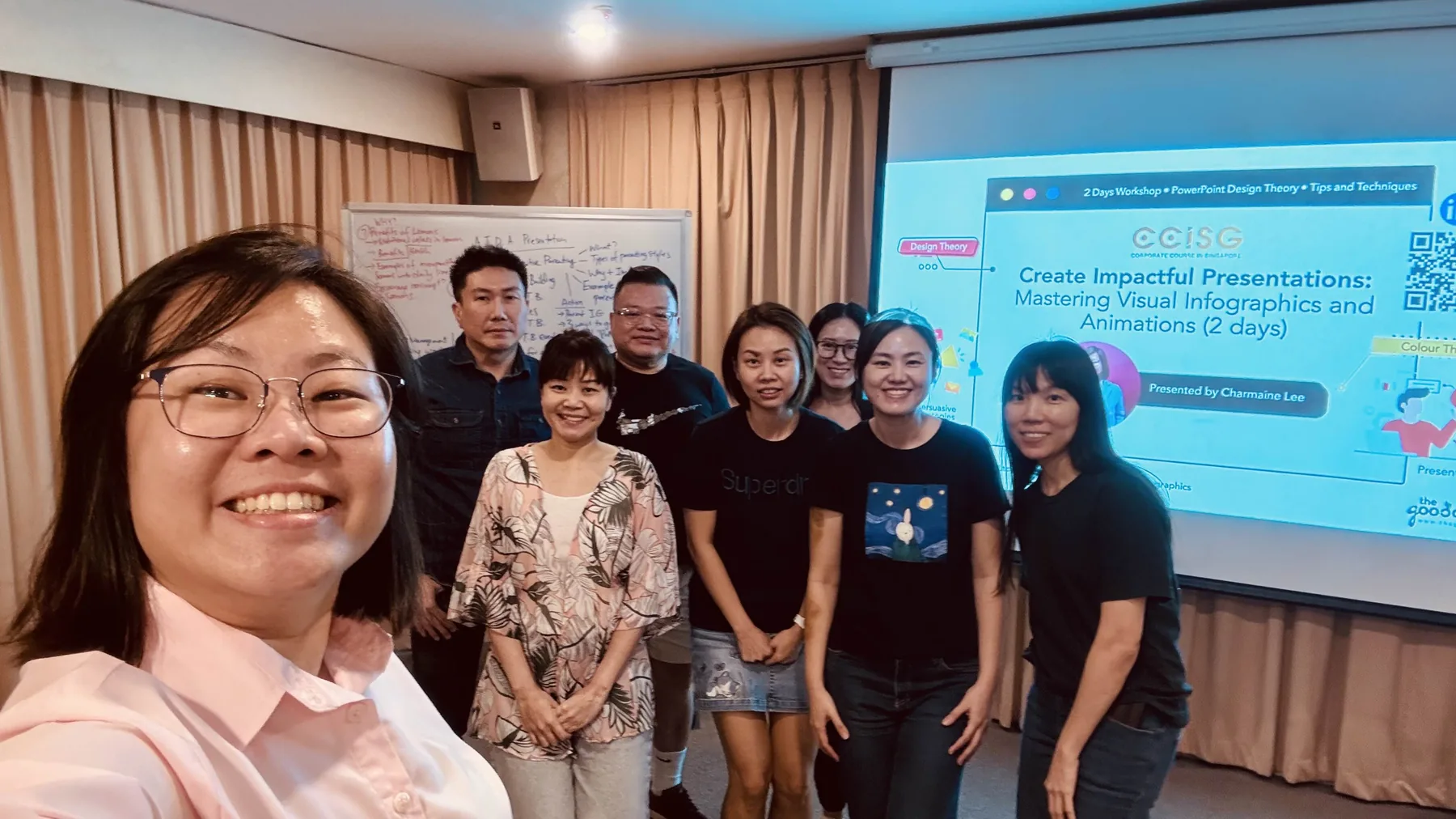
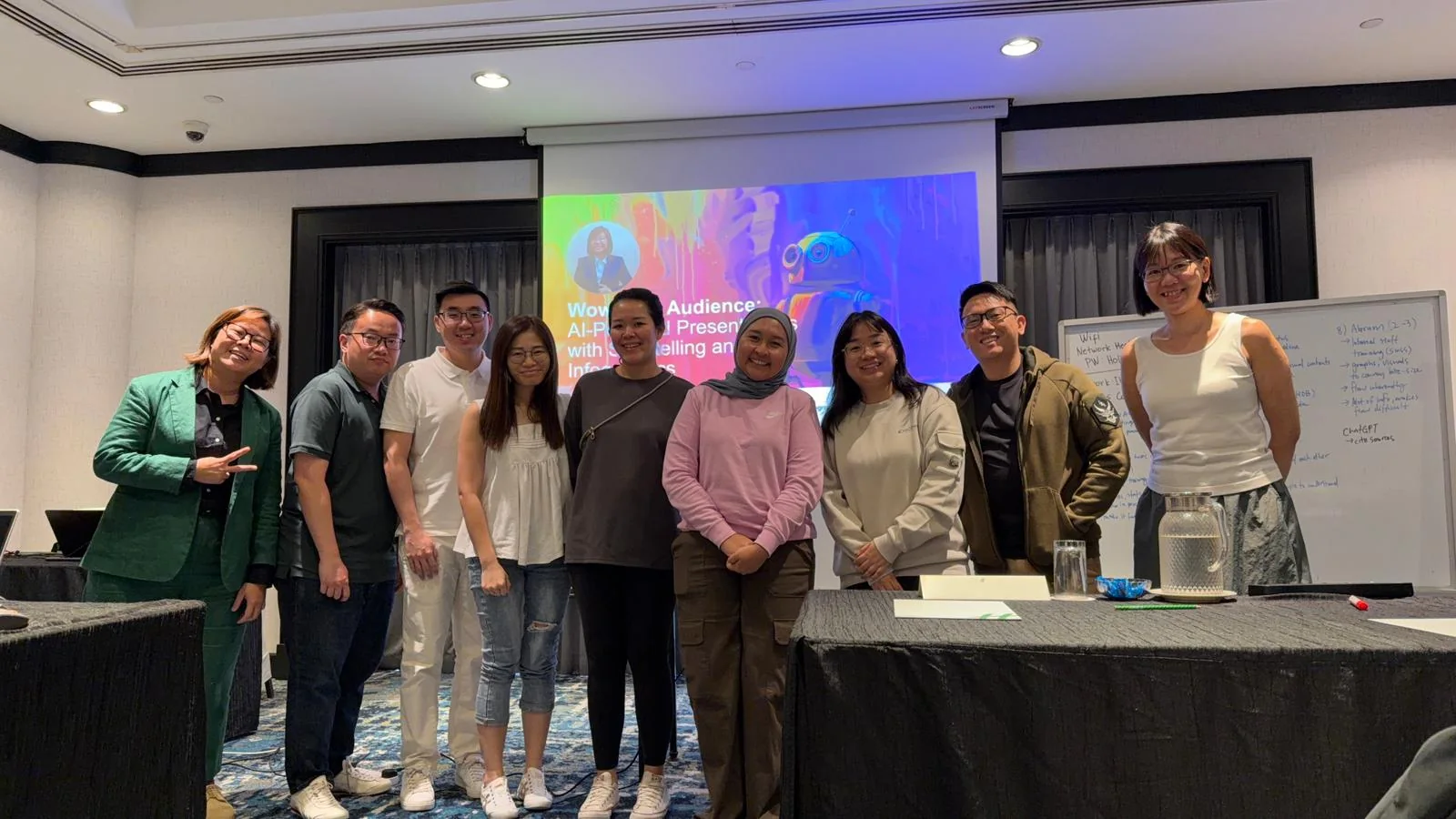
Inside a workshop
A short look at how our sessions run: less lecture, more making.
Every level, in detail
The same progression as the PowerPoint track, built in Canva instead. Both tracks meet at the AI level, because that one is about the thinking rather than the tool.
-
For: Beginners. No design background needed — this is where you learn to build a clean, professional deck in Canva.
- Choosing and customising templates by purpose
- Visual hierarchy, spacing and contrast
- Using images, icons and simple diagrams with intent
- Working efficiently with Canva’s everyday tools
- Sharing, presenting and exporting
You leave with: A short, polished business presentation of your own.
-
For: People comfortable building slides in Canva who now want structure, storytelling and information design.
- Structuring a presentation with SCQA, AIDA or STAR
- Building reusable layouts for recurring presentations
- Turning processes, comparisons and data into infographics
- Visualising data so one finding lands
- Using AI to develop and critique presentation content
You leave with: A presentation combining storyline, design and visual explanation.
See this course -
For: People who already structure and design well, in either tool, and want AI to speed up the thinking rather than the formatting.
- Briefing AI with audience, objective and constraints
- Using AI to challenge the argument and the running order
- Drafting and critiquing headlines
- Checking AI output for accuracy, logic and tone
- Rebuilding the deck and delivering it
You leave with: A rebuilt deck, and a method you can use again next week.
See this course
Create Business Presentations That Convince
Build a presentation that changes someone’s mind: one clear message, a structure that carries it, and slides that stay out of the way.
- Find the one message the audience has to leave with
- Structure the argument so each slide earns the next
- Design slides that support the point rather than decorate it
- Handle questions and objections without losing the thread
Business Presentations: Storytelling, Infographics & AI
Go past templates: structure the message with storytelling frameworks, then turn complex information into infographics, data visuals and AI-assisted drafts.
- Structure a presentation with SCQA, AIDA or STAR
- Build reusable layouts for recurring presentations
- Turn processes, comparisons and data into clear infographics
- Use AI to develop and critique presentation content