
The visual content pathway
From a clearer photograph, to a story told in pictures, to moving footage. Five levels in all — the full progression is further down this page.
Mobile Photography: Foundations
Composition, light and framing. Start here if your photos are inconsistent.
Mobile Videography: From Shooting to Storytelling
Move from stills to footage you plan, shoot and edit yourself.
Content Creation with Canva and AI
Combine photos, footage and graphics into a complete content package.
Take product, event and team photos that look professional, with the phone you already have.
Good photos don’t need an expensive camera. They need good light, simple composition and a few editing habits.
This workshop is mostly practice. Participants shoot, review and improve throughout the session, and see the difference in their own photos by the end.
- You take photos for your organisation’s social media, website or newsletter
- Your event photos come out dark, blurry or crowded
- You want better product or food photos without hiring a photographer
- Use natural and indoor light to improve every photo
- Apply simple composition rules for products, people and events
- Take steady, sharp photos and short clips
- Edit photos quickly on your phone for a consistent look
What we cover
| 30 min | How your phone camera actually works |
|---|---|
| 45 min | Light: finding it and shaping it |
| 45 min | Composition for products, people and spaces |
| 45 min | Photo challenge around the venue |
| 45 min | Editing on your phone, before and after review |
Outline shown for the one-day format.
Upcoming public runs:
Mastering Mobile Photography: From Basics to Pro-level Techniques
If you're enquiring for 5 pax and above, we're able to offer you a private run. Ask us about it.
Small classes, better learning
We recommend 10 to 15 participants, and cap every run at 20. These are hands-on workshops — above twenty we can no longer get round the room, look at each person’s screen and fix the actual problem, which is the whole point of coming. Public runs are capped at 10.
Our office @ Raffles Place
- Where every public run is held
- Central, and close to Raffles Place MRT
- Capped at 10, so nobody gets lost at the back
A larger venue, or your own office
- External venues include Paya Lebar Square and the Synergy Room at 190 Clemenceau Avenue, subject to availability
- Or we come to you, which most corporate clients prefer
- Please give us 30 days’ notice for an on-site run, so the room and equipment can be sorted
Bring a charged smartphone with at least 2GB of free space. The photo challenge works best in a venue with some natural light.

Charmaine Lee
Charmaine Lee is an ACTA-certified trainer registered under TAEPP (AE250000925) with over 16 years of digital marketing experience and more than 4,500 learners trained. She specialises in practical, hands-on training in visual design, Canva, digital content creation, storytelling, presentations and generative AI. She also develops vocational curricula and supports educator training through international education initiatives.
LinkedInBring this course to your team
- Formats1 day
- DeliveryOn-site
- Group size10–20 people
- LevelBring your own smartphone
Fees are quoted per group, based on format and size.
Inside a workshop
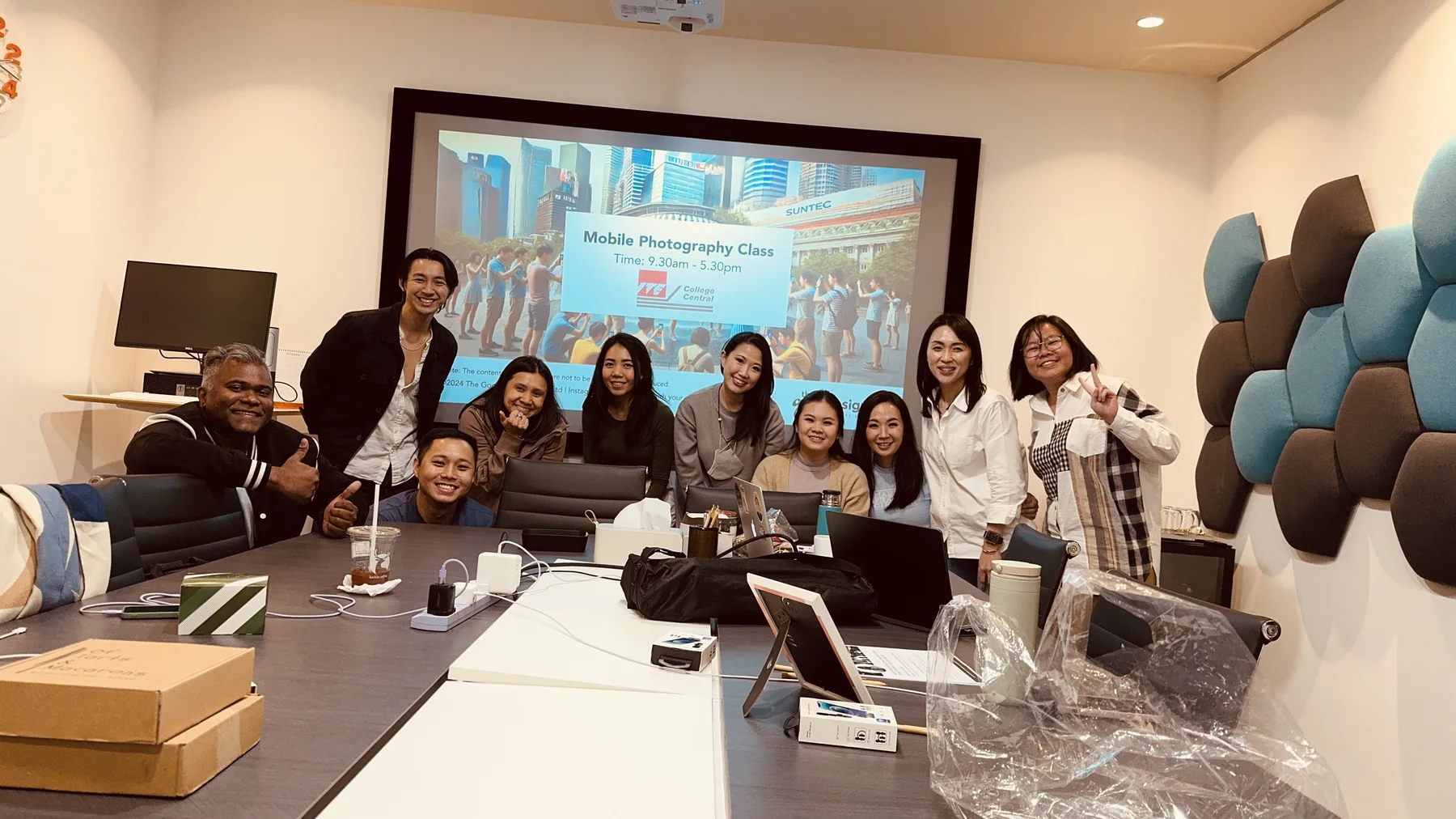
A short look at how our sessions run: less lecture, more making.
Every level, in detail
This progression is about what you can do with an image, not which device or app you use — from a clearer photograph, to a story told in pictures, to moving footage, to content built for a particular audience.
-
For: Beginners, small-business owners, aspiring content creators and anyone who uses a phone to take pictures.
- Composition and framing
- Lighting and exposure
- Perspective and angles
- Subject placement and visual emphasis
- Clearer, more purposeful photographs
- Applying the principles to everyday and workplace situations
You leave with: A set of photographs that show the principles in use.
-
For: Learners who are comfortable taking a decent photograph and want images that communicate, not just look good.
- Photographing a subject from different perspectives
- Using a sequence of images to tell a story
- Creating visual consistency
- Photographing people, products, places or activities with a clear purpose
- Choosing the images that support your message
- Applying photography to marketing and social content
You leave with: A short photo story, or a set of images for one communication purpose.
-
For: Learners moving from stills to moving pictures.
- How a video sequence differs from a photograph
- Planning a simple storyboard
- Shot types, composition and camera movement
- Lighting and filming on a smartphone
- Capturing footage you can actually use
- Basic editing and sequencing
- Building a short video with a beginning, middle and end
You leave with: A short video you planned, filmed and edited yourself.
See this course -
For: Aspiring creators, social media practitioners and professionals who have to produce short-form video.
- Developing a hook and an opening sequence
- Planning content for a specific audience
- Writing concise scripts
- Holding attention through visual storytelling
- Formats for different social platforms
- Captions, titles, graphics and supporting visuals
- Pacing and editing
- Repurposing one video across platforms
You leave with: A short-form video built for a defined audience and objective.
-
For: Learners with basic photo or video skills who want to produce a complete content package.
- Combining photographs, footage, typography and graphics
- Creating social media assets in Canva
- Using templates without everything looking the same
- Using AI to brainstorm, plan and refine
- Turning one idea into several formats
- Keeping brand consistency
- Working efficiently without handing the thinking to the machine
You leave with: A small content package: a short video, supporting graphics and posts.
Create Business Presentations That Convince
Build a presentation that changes someone’s mind: one clear message, a structure that carries it, and slides that stay out of the way.
- Find the one message the audience has to leave with
- Structure the argument so each slide earns the next
- Design slides that support the point rather than decorate it
- Handle questions and objections without losing the thread
Business Presentations: Storytelling, Infographics & AI
Go past templates: structure the message with storytelling frameworks, then turn complex information into infographics, data visuals and AI-assisted drafts.
- Structure a presentation with SCQA, AIDA or STAR
- Build reusable layouts for recurring presentations
- Turn processes, comparisons and data into clear infographics
- Use AI to develop and critique presentation content